
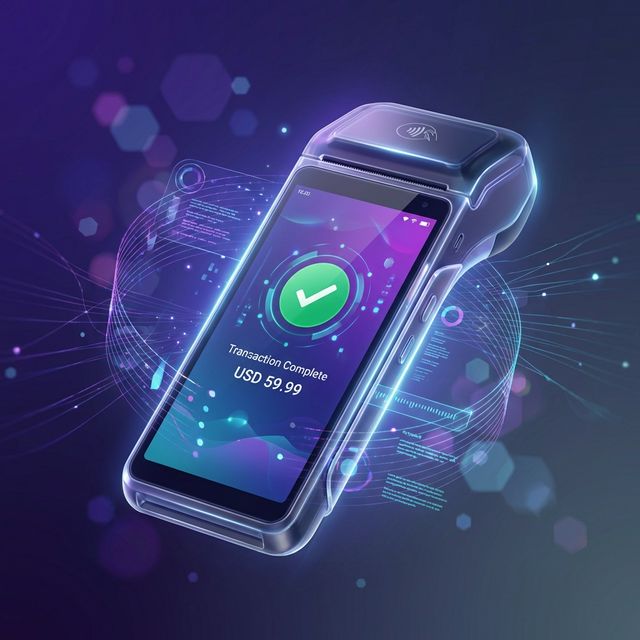
Hardware Integration
Pause POS talks directly to your device's hardware. Scan, print, and connect without complex setups.
Built-in Printer Support
Forget external Bluetooth printers. Pause automatically detects the thermal printer built into your Sunmi or PAX device.
- Auto-detection (No pairing needed)
- Customizable receipts (Logo, Footer)
SIM Card Ready
Insert a 4G SIM and take your business anywhere. Perfect for food trucks, delivery, and outdoor markets.
Kiosk Mode
Lock your device to only run Pause POS. Prevent staff from browsing the web or changing settings.
Supported Devices
Compatible with 99% of Android terminals running Android 7.0+.
Setup in 3 Simple Steps
No technician required. Get your terminal running in minutes.
Download RawBT
Install the RawBT Driver from the Google Play Store. This enables the internal printer.
Visit App URL
Open Chrome and go to app.pausepos.com. Login to your account.
Install PWA
Tap the Chrome menu and select "Install App" or "Add to Home Screen".